Sign Up
Creating your Digit Tally account is quick and easy. Follow these simple steps to get started with Nigeria's leading business management software.
Before You Begin
Make sure you have:
- ✅ A valid email address
- ✅ Access to your email for verification
- ✅ Basic business information (you'll need this during onboarding)
Step-by-Step Signup Process
1. Visit the Signup Page
Navigate to https://app.digit-tally.io/auth/signup or click Sign Up from the homepage.
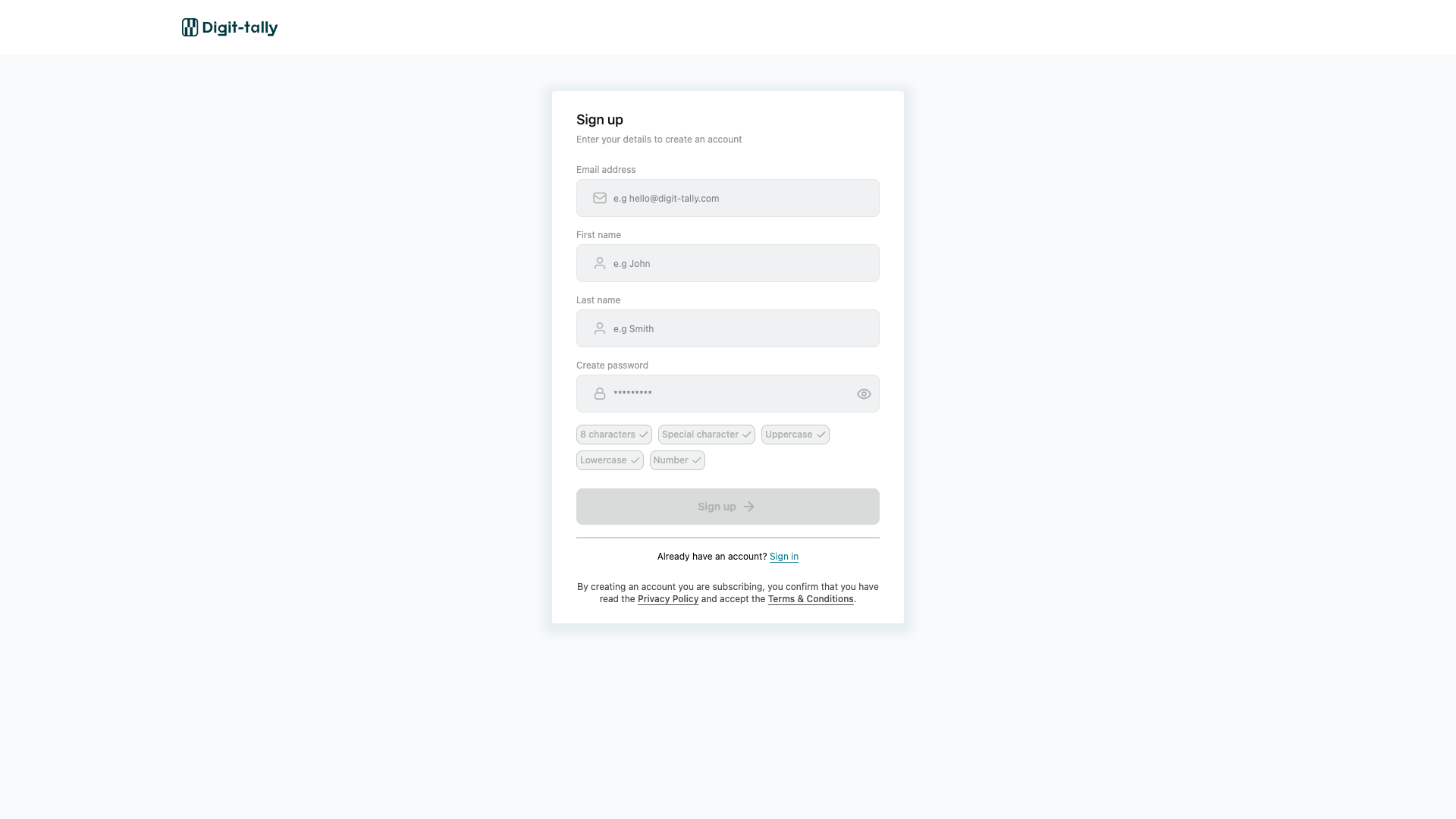
2. Fill in Your Information
The signup form requires the following information:
| Field | Description | Requirements |
|---|---|---|
| Email Address | Your business or personal email | Must be a valid email format |
| First Name | Your first name | 2-50 characters |
| Last Name | Your last name | 2-50 characters |
| Password | Your account password | Minimum 8 characters, must include: 1 uppercase, 1 lowercase, 1 number, 1 special character |
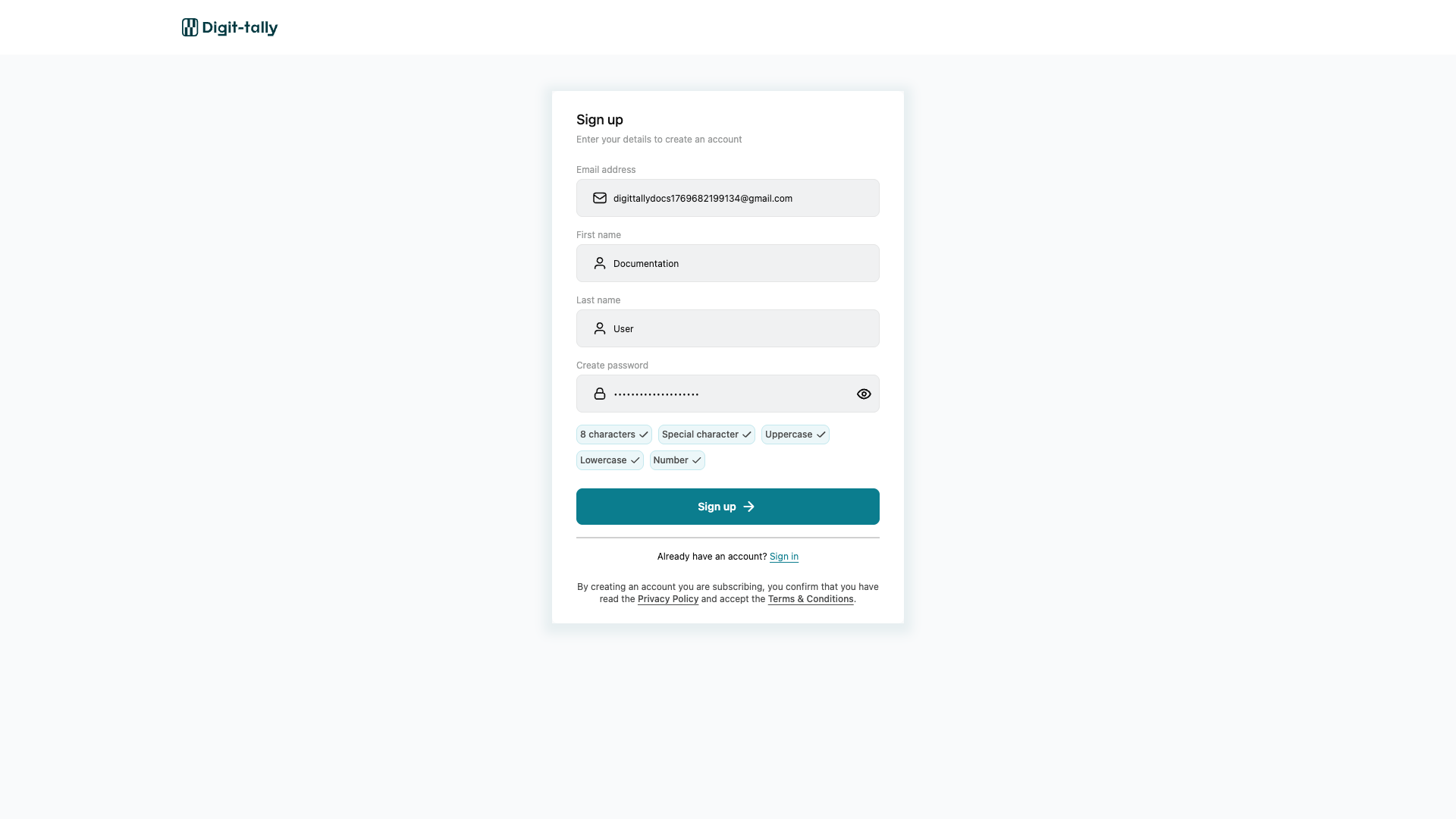
Password Requirements
Your password must meet these security criteria:
- ✅ At least 8 characters long
- ✅ Contains at least 1 uppercase letter (A-Z)
- ✅ Contains at least 1 lowercase letter (a-z)
- ✅ Contains at least 1 number (0-9)
- ✅ Contains at least 1 special character (!@#$%^&*)
Example of a strong password: Business@2024
Password strength is validated in real-time as you type
3. Complete the reCAPTCHA Verification
Check the "I'm not a robot" box to verify you're a human user.
Complete the reCAPTCHA verification to proceed
4. Review Terms and Conditions
By creating an account, you confirm that you have read and accept:
The acceptance notice appears at the bottom of the signup form.
5. Click "Sign Up"
Once all fields are filled correctly and the reCAPTCHA is completed, click the Sign Up button.
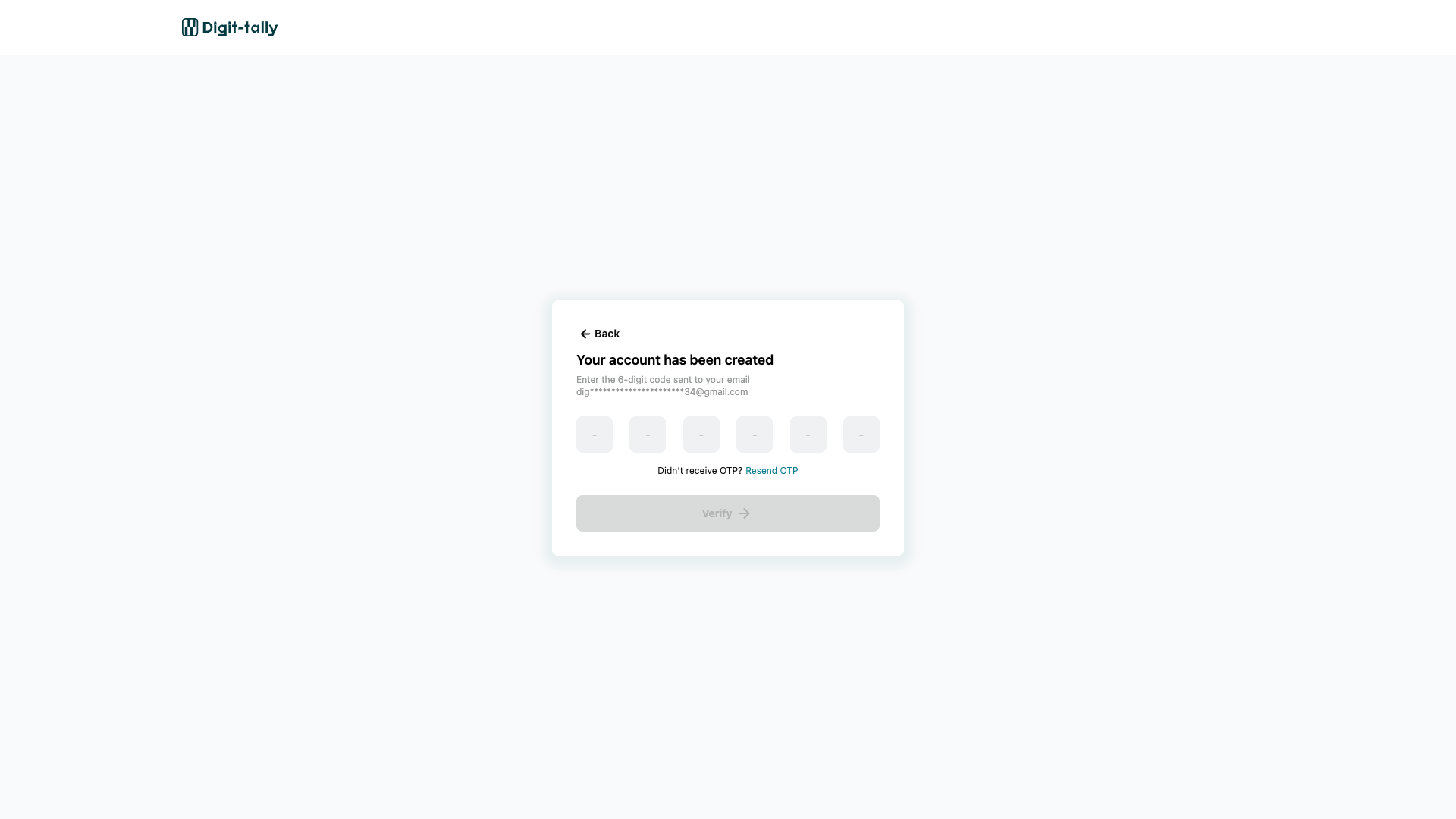
6. Verify Your Email
After submitting the form, you'll be redirected to the email verification page.
Check your email inbox for a verification email from Digit Tally. The email will contain a verification code.
Check your email for the verification code sent by Digit Tally
- Check your spam or junk folder
- Wait a few minutes - emails can take 1-2 minutes to arrive
- Ensure you entered the correct email address
- Click Resend Verification Email on the verification page
7. Verify Your Email Address
Enter the verification code from your email on the verification page.
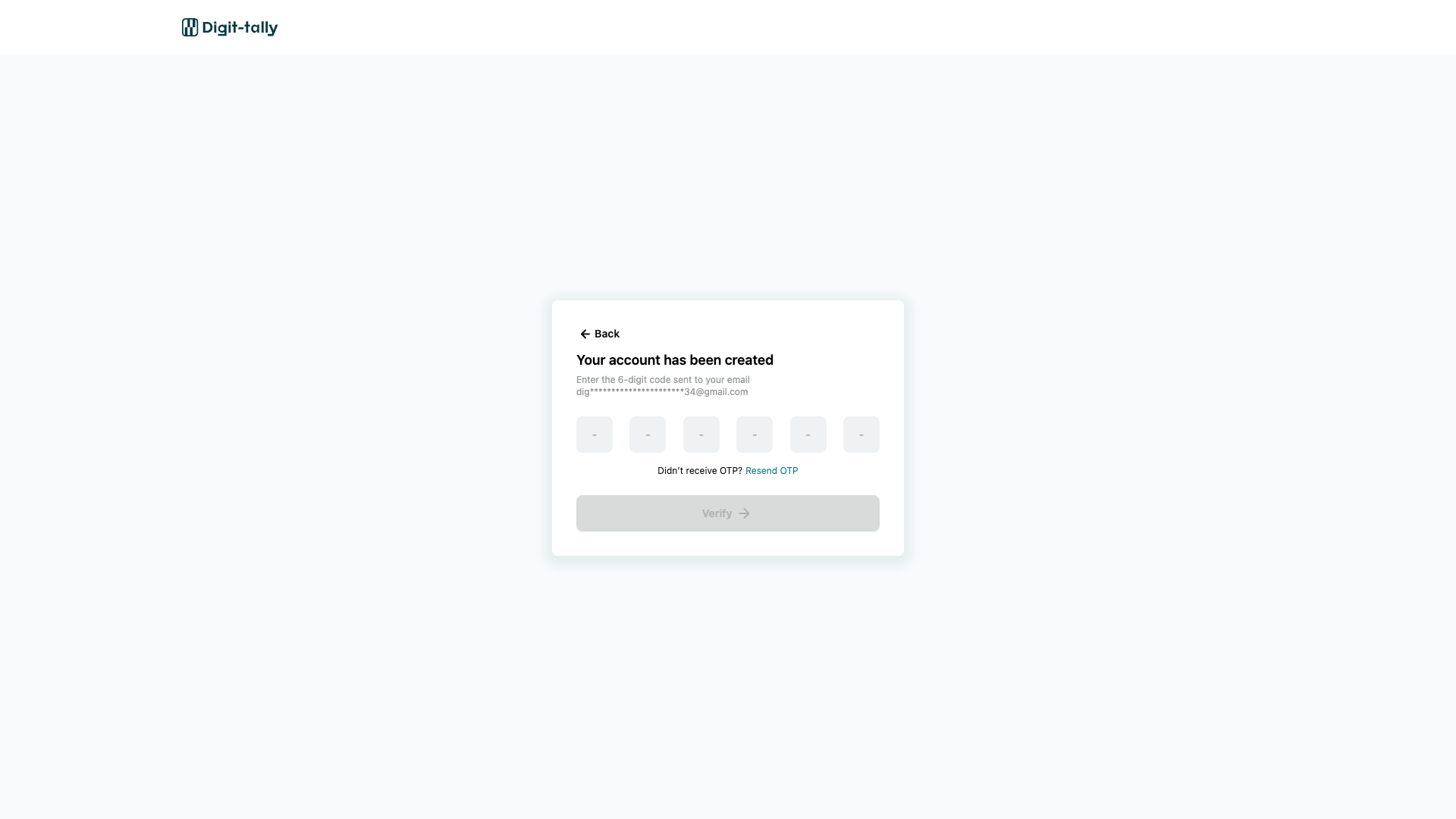
Once verified, you'll be automatically redirected to begin the onboarding process.
Already Have an Account?
If you already have an account, click the Sign In link at the bottom of the signup form or visit https://app.digit-tally.io/auth/signin.
Common Signup Issues
"Email Already Exists"
This error means an account with this email address already exists. You can:
- Try signing in instead
- Use Forgot Password if you don't remember your password
- Contact support if you believe this is an error
"Invalid Email Format"
Ensure your email:
- Contains an @ symbol
- Has a valid domain (e.g.,
.com,.ng,.io) - Doesn't contain spaces or special characters (except @ and .)
"Password Doesn't Meet Requirements"
Review the password requirements above and ensure your password includes:
- At least 8 characters
- 1 uppercase letter
- 1 lowercase letter
- 1 number
- 1 special character
What's Next?
After signing up and verifying your email, you'll proceed to:
→ Complete Onboarding - Set up your business information
Need help? Contact our support team at support@digit-tally.io